
Stop Wishing, Start Prompting

Sep 23, 2025
7 min read
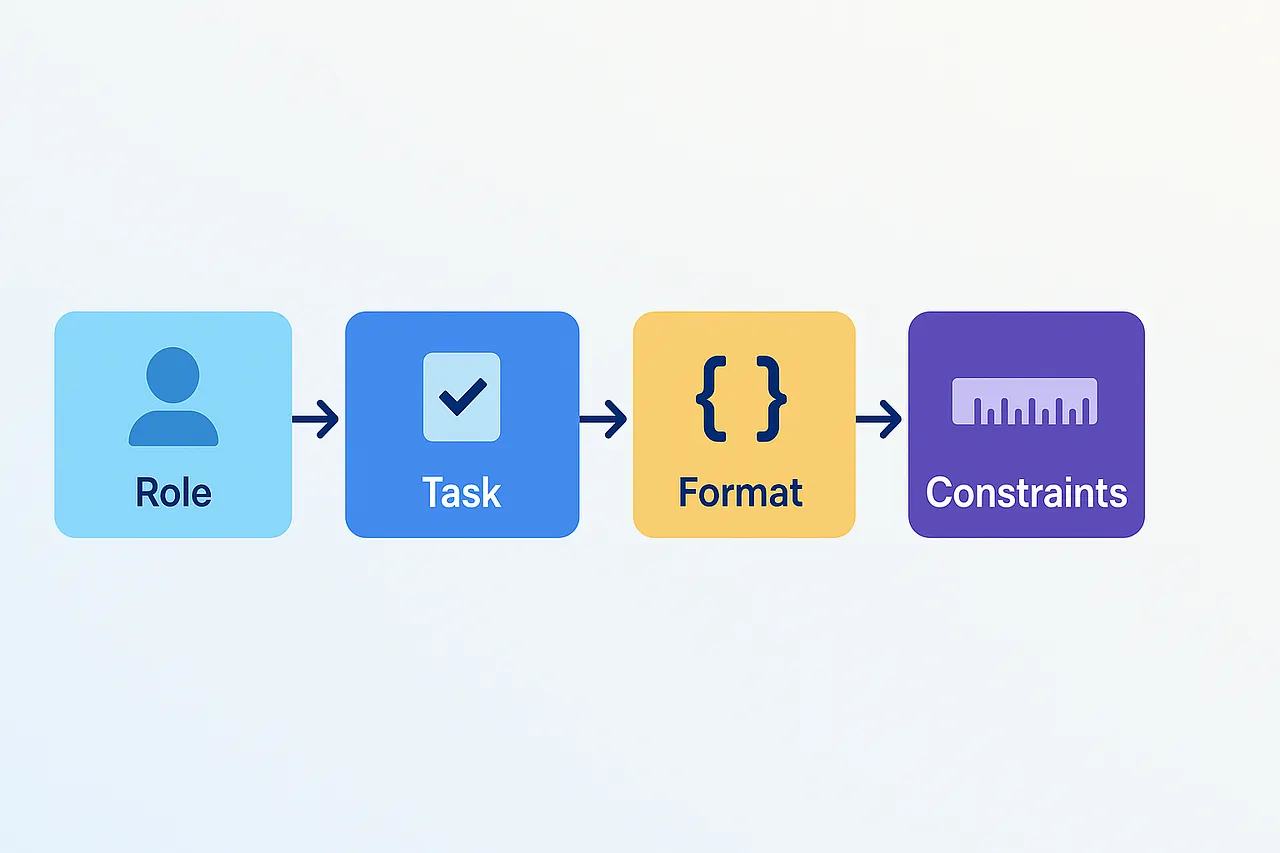
We often type a sentence into an AI model and expect it to “just get it.” When the answer falls short, we assume the model is weak. In reality, most failures come from underspecified prompts. Language models are pattern machines; they respond best to clear roles, precise tasks, rich context, explicit constraints, and a target format.
Large language models don’t “understand” like humans. They predict the next token given your input. If the input is vague, the output will be plausible but unfocused. If the input is specific and structured, the model’s search space narrows and quality rises. Clear prompts reduce ambiguity, improve reproducibility, and make it easier to evaluate whether the response meets your goal.
This guide provides examples of prompts that consistently yield the desired outcomes. You’ll see concrete examples in plain text, Markdown, and JSON.
Key building blocks
Think of a good prompt as a compact spec:
Role: who the model should “be.”
Task: exactly what to produce.
Context: domain, audience, constraints, source material.
Output format: Markdown, JSON, or simple text with headings.
Examples: a few mini demos of desired inputs and outputs.
Quality bar: acceptance criteria or a brief rubric.
You don’t always need every piece, but each one reduces guesswork.
Prompt Strategies
Add role + task + format
Weak prompt
Explain Kubernetes.
Better prompt
Role: You are a technical instructor for junior developers.
Task: Explain Kubernetes in simple terms with one analogy and one real-world example.
Audience: Developers new to containers (0–6 months experience).
Format: Markdown with H2 headings and a 5-item glossary.
Constraints: Keep it under 300 words; avoid marketing jargon.
Why it works: you’ve constrained scope, matched tone to audience, and set a verifiable format. The analogy and example anchor the explanation.
Use delimiters to isolate context
Models can blur instructions with data. Delimiters keep them separate.
Summarize the article inside <<<CONTEXT>>> in 5 bullet points for executives.
Return only the summary, no preface text.

<<<CONTEXT>>>
[Paste article here]
<<<CONTEXT>>>
Tip: triple backticks, XML tags, or custom tokens all work. The point is consistent boundaries.
Request structured outputs
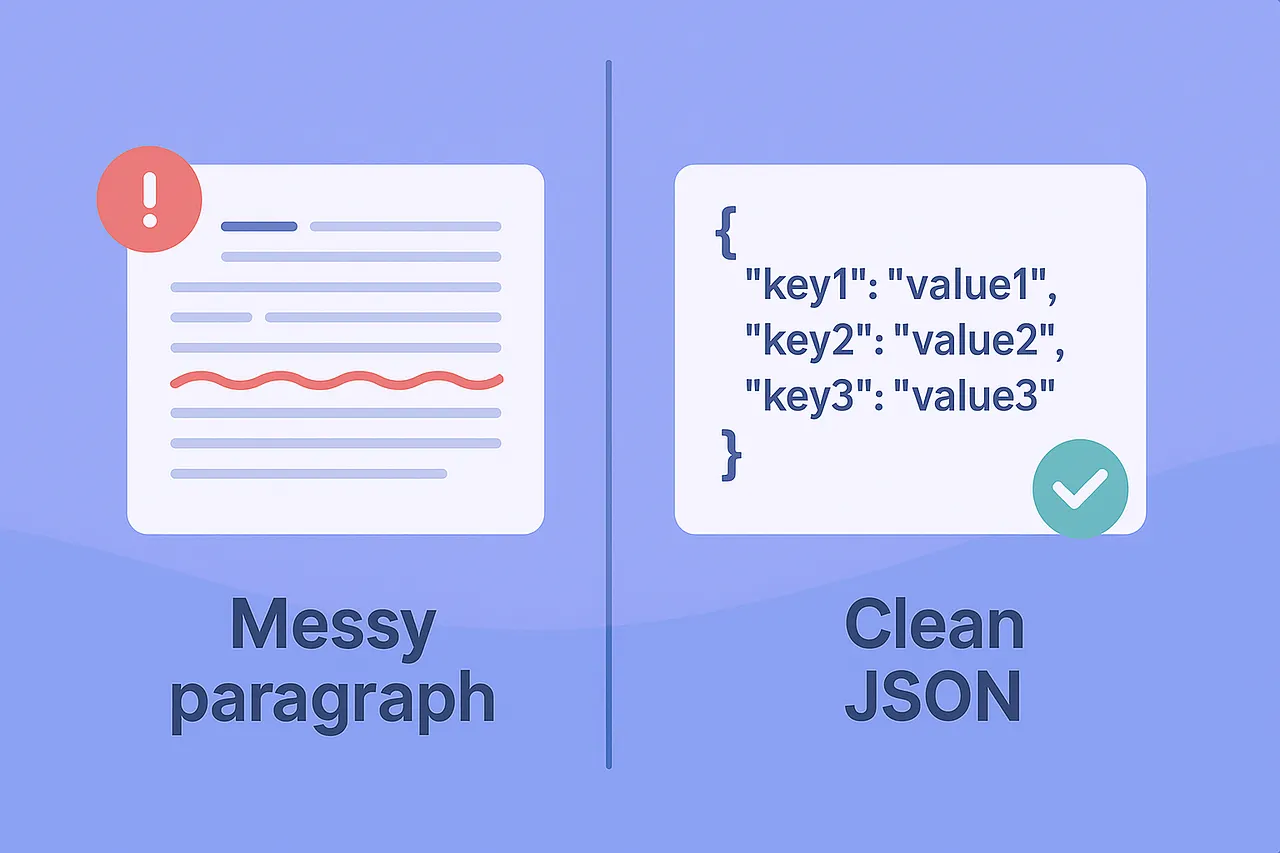
If another tool needs to parse the answer, request JSON with a minimal schema. This turns prose into data.
Plain text request → JSON output
Extract company insights from the review below. Return valid JSON only.

Schema:
{
  "company": string,
  "sentiment": "positive" | "neutral" | "negative",
  "aspects": string[],   // e.g., ["support", "pricing"]
  "summary": string
}

Review:
"""
Switching to Acme reduced our monthly bill, but their support replies were slow at first…
"""
Why it works: the schema narrows choices and reduces free-form rambling.
Few-shot prompting (show, don’t just tell)
Provide one to three miniature examples that demonstrate the pattern you expect.
You are a resume editor. Improve concision and impact.

Examples:
Input: "Responsible for managing CI/CD."
Output: "Owned CI/CD pipelines, cutting build times 35%."

Input: "Worked on frontend tasks."
Output: "Built React components used by 120k MAU; reduced bundle size 18%."

Task:
Rewrite the following bullet in the same style, max 18 words:
"Helped with API documentation for internal teams."
Why it works: examples anchor tone, length, and structure. The model imitates patterns more reliably than abstract instructions.
Plan–Then–Produce (without exposing internal reasoning)
Encourage the model to plan, but ask it to output only the final product and a brief rationale. A rationale is a brief “why” statement that follows an answer. It summarizes the key reason or trade-off behind the output, without showing step-by-step thinking.
Template
Task: Draft a 2-paragraph risk assessment for migrating from MySQL to Postgres.

Process: First plan the outline internally. Then produce the final text.
Output: Provide only the final assessment plus a 2-sentence rationale explaining the main trade-off.
Output
[Two concise paragraphs with the assessment.]

Rationale: Prioritized data consistency over write latency because payment records must be correct; key risks are replication lag and type differences.
Why it works: nudges the model to think before writing, yet keeps the output tight and auditable.
Add a lightweight rubric
A rubric is a tiny scoring guide that turns “this looks good” into something you can test and repeat. Instead of relying on gut feel, you define 3–5 criteria (for example, accuracy, clarity, usefulness) and a simple scale (0–5).
The model then checks its own output against those criteria, or you can use the rubric to review results after generation.
Benefits:
Quality is measurable
Helps you compare multiple drafts
Accelerates iteration
Rubric design checklist (keep it light):
Pick 3–5 criteria aligned to your goal and audience.
Use a 0–5 scale with short descriptions (0 = missing, 5 = excellent).
Make each criterion observable (avoid vague words like “nice”).
Set a pass threshold (e.g., average ≥4) so “good enough” is clear.
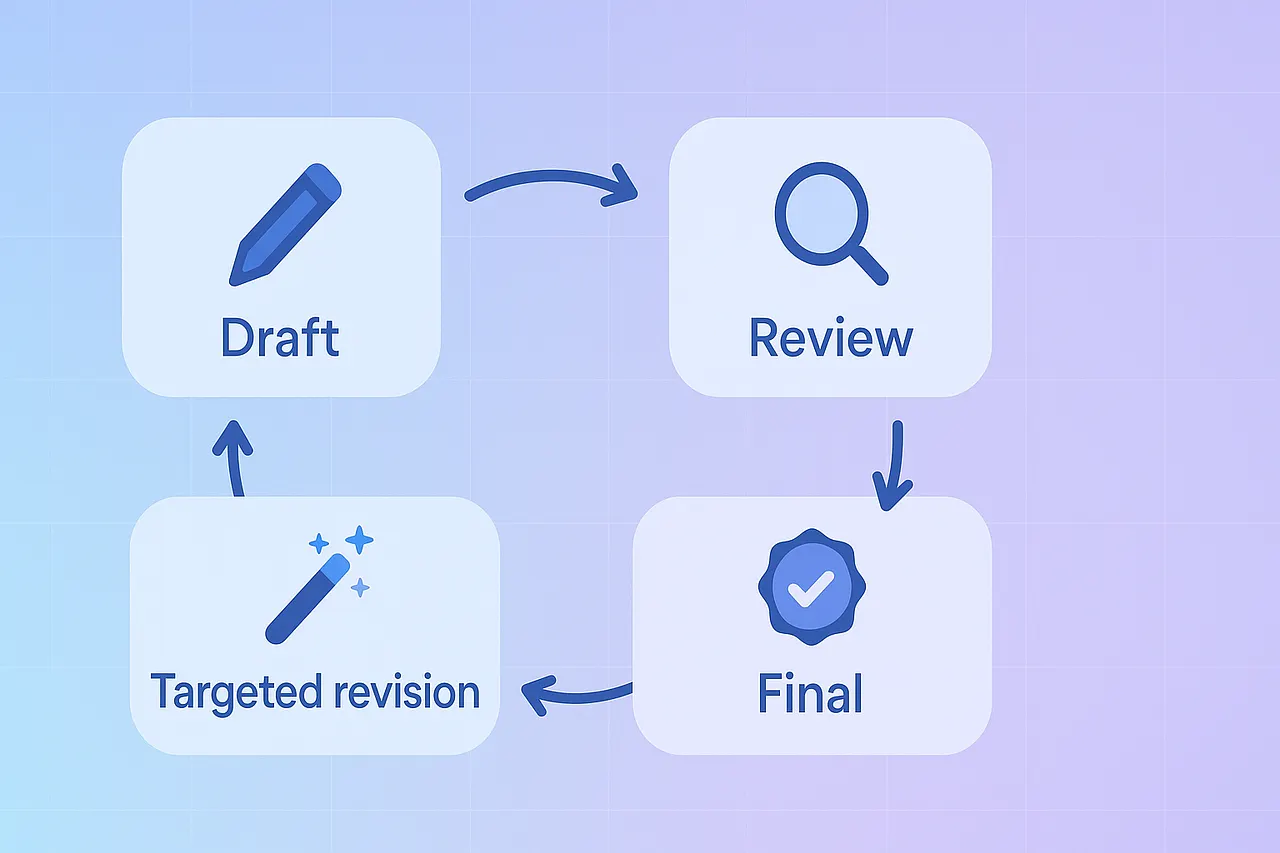
Here’s the clean flow:
1. Generate a draft
Task: Write a 2-paragraph intro to Kubernetes for beginners.
[MODEL OUTPUT = the draft we will evaluate]
2. Evaluate the draft using the rubric
Act as a peer reviewer. Evaluate the response below against this rubric (0–5 each):
- Accuracy
- Clarity
- Usefulness

Return a JSON scorecard only (valid JSON, no comments) with:
{ "scores": {...}, "average": number, "pass_threshold": 4, "passed": boolean, "improvement_tip": string }

If average < pass_threshold, add one focused tip that would raise the lowest score on the next draft.

RESPONSE TO EVALUATE:
<<<MODEL OUTPUT FROM STEP 1>>>
3. Revise
Revise the draft below. Keep structure; target the lowest-scoring criterion first.
Return only the improved draft.

DRAFT:
<<<MODEL OUTPUT FROM STEP 1>>>
TIP:
<<<improvement_tip from scorecard>>>
Iterative prompting: tighten with deltas, not rewrites
When the model misses, don’t start over. Give a targeted correction. But…
Models are not mind readers. Your first prompt should contain ~80% of what you already know about the desired outcome: the goal, audience, scope, format, constraints, and success criteria. Leave only the final 20% for iteration. If you cannot articulate that first 80%, pause and define it; otherwise, you’ll get plausible fluff.
Weak Start
Explain Kubernetes.
80% Start
Role: Senior instructor for junior developers (0–6 months with containers).
Task: Explain Kubernetes in plain language so a beginner can describe what it does and why it’s useful.
Audience: New developers; no prior K8s experience.
Scope: What it is, how it schedules/replicates containers, why teams use it.
Format: Markdown with an H2 “Overview” containing exactly two paragraphs, then an H2 “Glossary” with 3 items.
Constraints: 160–220 words total; define acronyms on first use; include ONE sports analogy and ONE real-world example (autoscaling a web app); avoid marketing language.
Acceptance Criteria: Mentions pods, nodes, scaling; the example shows traffic spikes; no unexplained jargon.
This first prompt is already precise and testable. Now the model has a small search space and is more likely to hit your target on the first pass, but if you feel some points are missed, revise the request.
Revision request (for the draft you just produced):
- Keep the existing structure and headings.
- Reduce Paragraph 2 in “Overview” by ~40% to remove repetition.
- Replace the sports analogy with a logistics metaphor (warehouses, shipments).
- Add a one-line TL;DR at the very top (≤ 20 words).
Return only the revised Markdown.
This preserves the useful parts, speeds convergence, and keeps the model aligned with your original intent. The 80–20 approach sets the target; delta revisions walk the last mile.
Before you hit Enter, decide how you’ll use the response. Format isn’t decoration; it sets boundaries for the model and influences what happens next, whether you’ll skim it with a teammate, paste it into a document, or pipe it into a script. Choose the right container up front to boost accuracy, enable reuse, and make review easier.
Pick the Right Output Format
Simple text
Best for quick tasks, brainstorming, or where human reading is primary. Keep instructions compact and explicit. Use delimiters to separate instructions and data.
Markdown
Ideal when structure matters to humans: headings, lists, code blocks, callouts. You can specify section counts, required headings, or tables.
## Executive Summary
[80–120 words]

## Risks
- [3 bullets]

## Mitigations
- [3 bullets]
JSON
Best for machine-readability, pipelines, and validations. Always define a mini schema, required fields, and value ranges. Ask for “valid JSON only, no comments.”
{
  "title": "Weekly Incident Report",
  "incidents": [
    {
      "id": "INC-2025-09-16-01",
      "severity": "high",
      "systems": ["billing-api", "redis-cache"],
      "impact_summary": "string",
      "customer_visible": true
    }
  ],
  "owner": "SRE on-call"
}
Conclusion
Good prompting is an applied specification. When you define role, task, context, constraints, and format, you remove ambiguity and give the model something concrete to optimize against. Start simple, add structure where it pays off, and evolve to include examples, rubrics, and iterative refinement as you progress.
Happy Learning!